CalendAid: Community Event Platform
CalendAid: Community Event Platform
CalendAid: Community Event Platform
Shipped a self-sustaining event platform in 3 weeks — 500+ events listed, still run by non-technical volunteers.
Shipped a self-sustaining event platform in 3 weeks — 500+ events listed, still run by non-technical volunteers.
Results at a Glance
Results at a Glance
1000+
1000+
1000+
Events listed
Events listed
3 weeks
3 weeks
3 weeks
Time to ship
Time to ship
Organic growth
Organic growth
Organic growth
Event organizers submit their own listings
Event organizers submit their own listings
3+ years
3+ years
3+ years
Still running
Still running
Organization
Organization
Help Razom (501(c)(3))
Help Razom (501(c)(3))
My Roles
My Roles
Sole Designer & Developer
Sole Designer & Developer
Focus Areas
Focus Areas
Competitive Research
Information Architecture
UX/UI Design
No-Code Development
Competitive Research
Information Architecture
UX/UI Design
No-Code Development
Duration
Duration
3 weeks
3 weeks
Team
Team
1 person
1 person
Project Overview
Project Overview
Project Overview
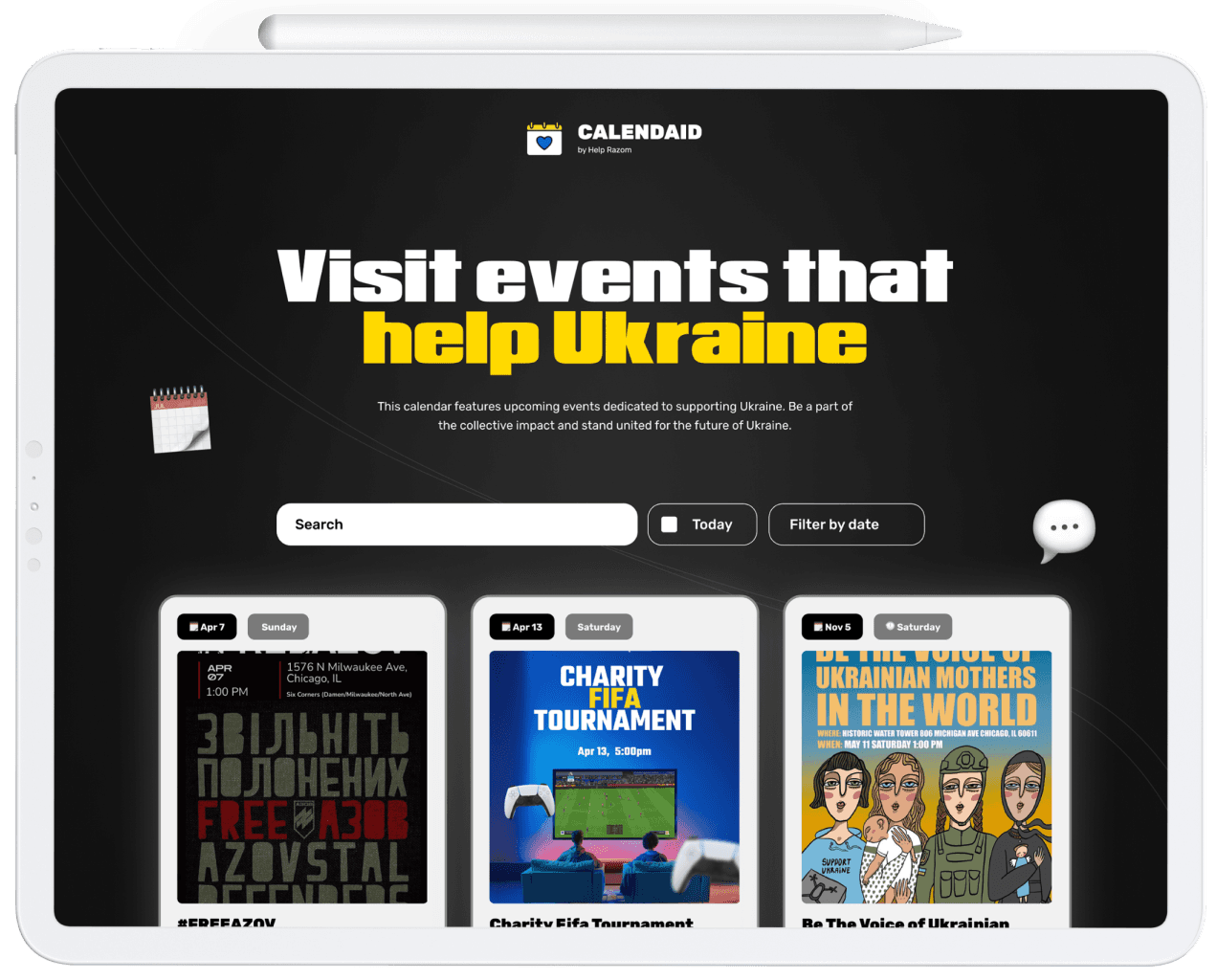
Chicago's Ukrainian community runs dozens of rallies, fundraisers, and cultural events. But information lived across Instagram stories, Facebook groups, Telegram channels, and word of mouth.
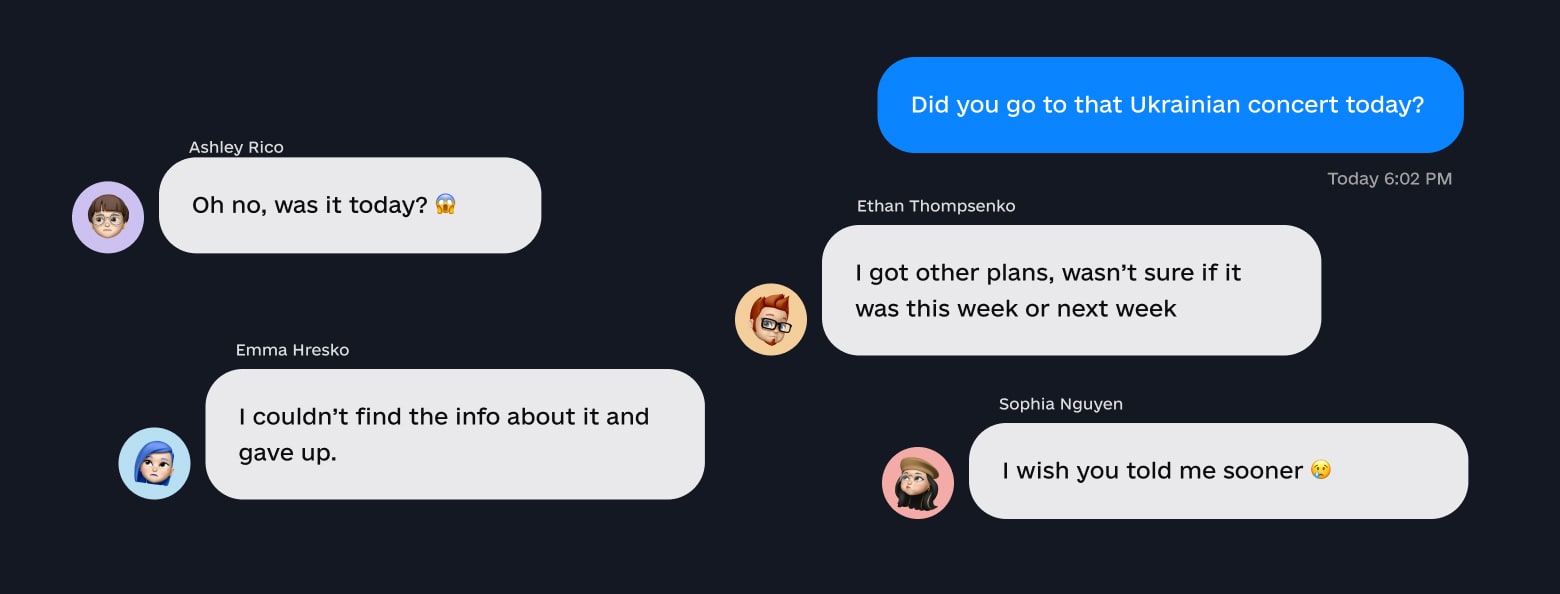
The same feedback kept surfacing in community conversations: "I didn't know that was happening."
Working with Help Razom, I set out to build a single place where anyone could check what's coming up this weekend — and designed it so volunteers could keep it running without a designer.
Chicago's Ukrainian community runs dozens of rallies, fundraisers, and cultural events. But information lived across Instagram stories, Facebook groups, Telegram channels, and word of mouth.
The same feedback kept surfacing in community conversations: "I didn't know that was happening."
Working with Help Razom, I set out to build a single place where anyone could check what's coming up this weekend — and designed it so volunteers could keep it running without a designer.
My role
My role
I handled discovery, platform research, design, development, and initial maintenance — from early conversations with the community to the live platform people use today.
User interviews revealed a primary desire among Chicago’s Ukrainian community: a straightforward platform for discovering and participating in local events supporting Ukraine. Users emphasized the need for immediate access to weekend events, including easy ticketing and directions. Long-term planning was less important; instead, they sought a convenient tool to decide how to spend their available time.
This feedback guided the design of CalendAid to prioritize real-time event updates, simple ticketing links, and straightforward filtering, ensuring it met the community’s immediate needs for accessibility and usability.
I handled discovery, platform research, design, development, and initial maintenance — from early conversations with the community to the live platform people use today.
Discovery & Platform Research
Discovery & Platform Research
Before building anything, I needed to understand what already existed.
Competitive Research
I audited every community calendar and event platform I could find, both general-purpose tools and solutions built for similar communities. The findings narrowed the problem:
Existing platforms were either too expensive for a nonprofit budget or too complex for non-technical volunteers to manage
General tools (Eventbrite, Facebook Events) fragmented the listings across platforms instead of centralizing them
No existing solution combined event discovery with a lightweight submission workflow that volunteers could operate independently
Community Conversations
Through informal conversations with community members, I validated the core need: people wanted to know what's happening soon, not plan months ahead. "This Saturday" mattered more than "December 14th." They also wanted quick access to ticket links and directions.
These conversations shaped three design constraints:
Default to showing what's happening soones.
Keep event cards scannable – day of week, title, link, done
Build for the operators (volunteers), not just the end users
User interviews revealed a primary desire among Chicago’s Ukrainian community: a straightforward platform for discovering and participating in local events supporting Ukraine. Users emphasized the need for immediate access to weekend events, including easy ticketing and directions. Long-term planning was less important; instead, they sought a convenient tool to decide how to spend their available time.
This feedback guided the design of CalendAid to prioritize real-time event updates, simple ticketing links, and straightforward filtering, ensuring it met the community’s immediate needs for accessibility and usability.
Before building anything, I needed to understand what already existed.
Competitive Research
I audited every community calendar and event platform I could find, both general-purpose tools and solutions built for similar communities. The findings narrowed the problem:
Existing platforms were either too expensive for a nonprofit budget or too complex for non-technical volunteers to manage
General tools (Eventbrite, Facebook Events) fragmented the listings across platforms instead of centralizing them
No existing solution combined event discovery with a lightweight submission workflow that volunteers could operate independently
Community Conversations
Through informal conversations with community members, I validated the core need: people wanted to know what's happening soon, not plan months ahead. "This Saturday" mattered more than "December 14th." They also wanted quick access to ticket links and directions.
These conversations shaped three design constraints:
Default to showing what's happening soones.
Keep event cards scannable – day of week, title, link, done
Build for the operators (volunteers), not just the end users
Platform Decision
Platform Decision
The platform had to be simple enough that any volunteer could manage it after I stepped away.
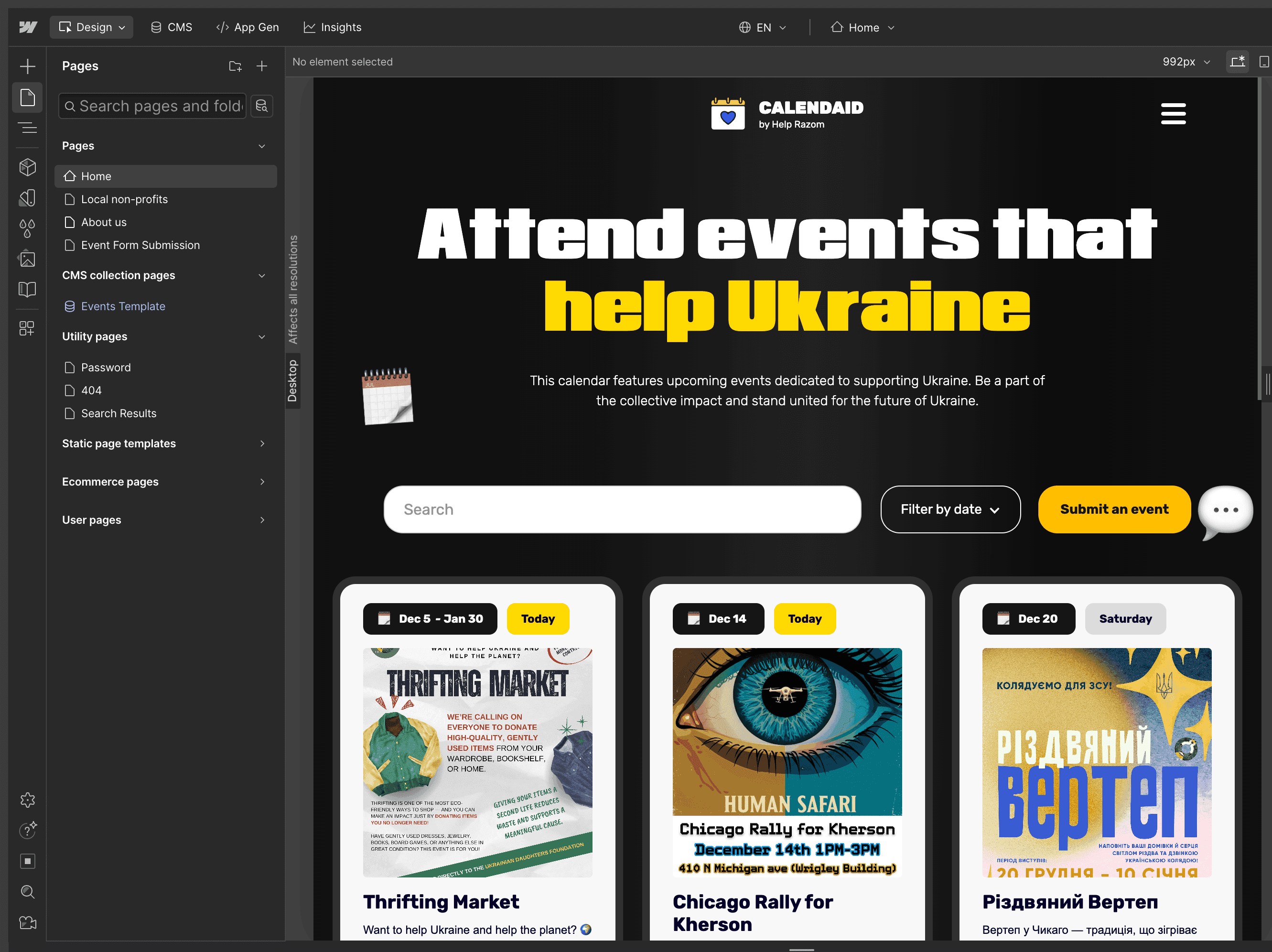
I evaluated several no-code options against two criteria: CMS filtering capabilities and ease of use for non-technical editors.
Framer was my stronger tool, but at the time it lacked the CMS filtering I needed. Adding custom code would've worked for me, but would've created a maintenance dependency on a developer. That defeated the purpose.
Webflow had CMS filtering out of the box and a content editor that volunteers could learn quickly. I chose the tool that worked for the team over the tool I preferred – a trade-off I'd make again.
Seeking an easy-to-manage system for non-technical users, I explored various no-code solutions but found that existing platforms either had complex navigation or lacked robust CMS filtering capabilities essential for effective event management and updates. Opting for Webflow due to its advanced CMS features, I aimed to implement comprehensive event categorization and filtering systems. Integrating custom code developed with ChatGPT was planned to further enhance these capabilities.
The platform had to be simple enough that any volunteer could manage it after I stepped away.
I evaluated several no-code options against two criteria: CMS filtering capabilities and ease of use for non-technical editors.
Framer was my stronger tool, but at the time it lacked the CMS filtering I needed. Adding custom code would've worked for me, but would've created a maintenance dependency on a developer. That defeated the purpose.
Webflow had CMS filtering out of the box and a content editor that volunteers could learn quickly. I chose the tool that worked for the team over the tool I preferred – a trade-off I'd make again.
Design Decisions
Design Decisions
Design Decisions
Day-of-Week Tags, Not Just Dates
Day-of-Week Tags, Not Just Dates
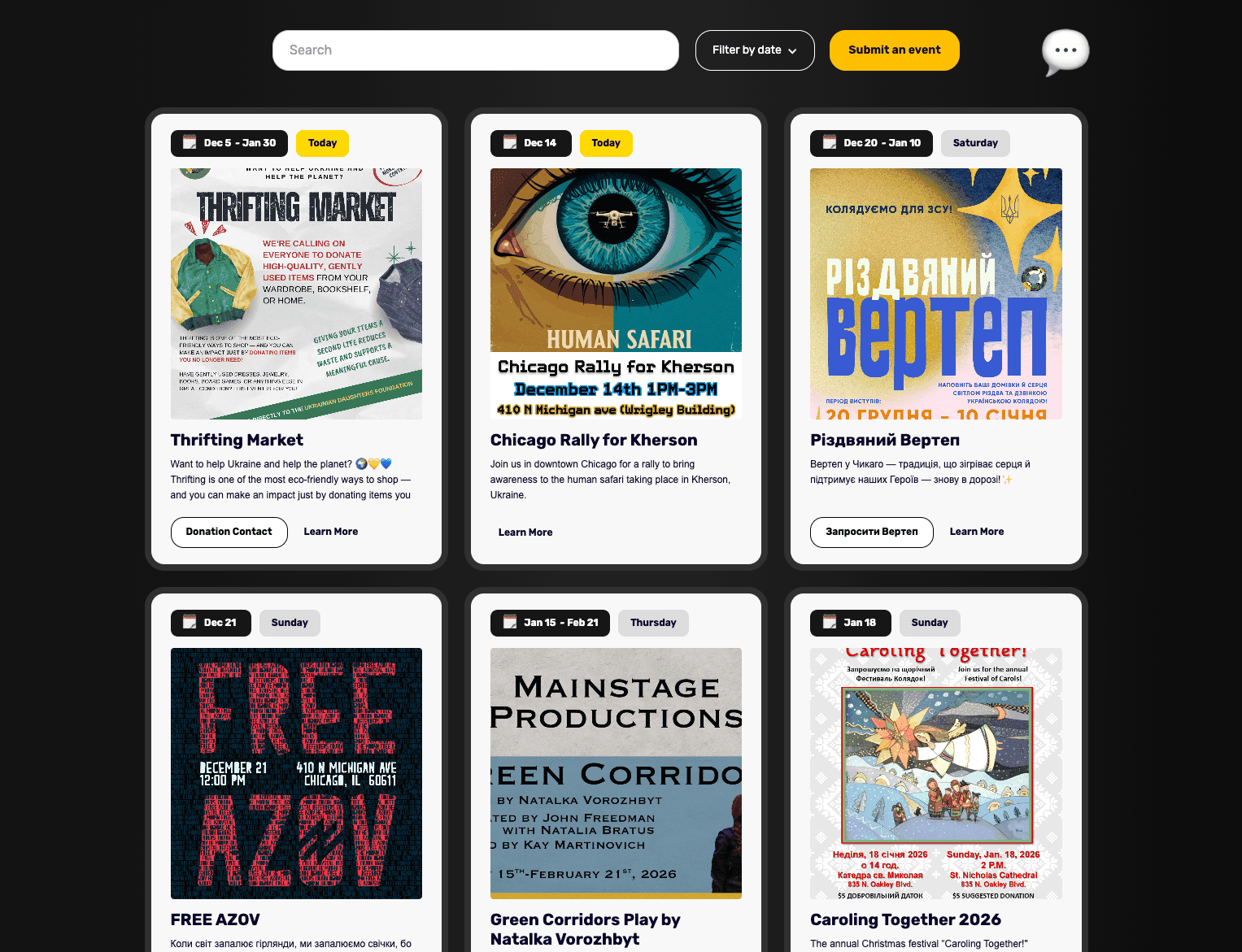
Community conversations revealed people think in "this Saturday," not "December 14th." Event cards show the day of the week prominently, with a "Today" label highlighted. Default sort: soonest first.
Community conversations revealed people think in "this Saturday," not "December 14th." Event cards show the day of the week prominently, with a "Today" label highlighted. Default sort: soonest first.
Event Submission Workflow
Event Submission Workflow
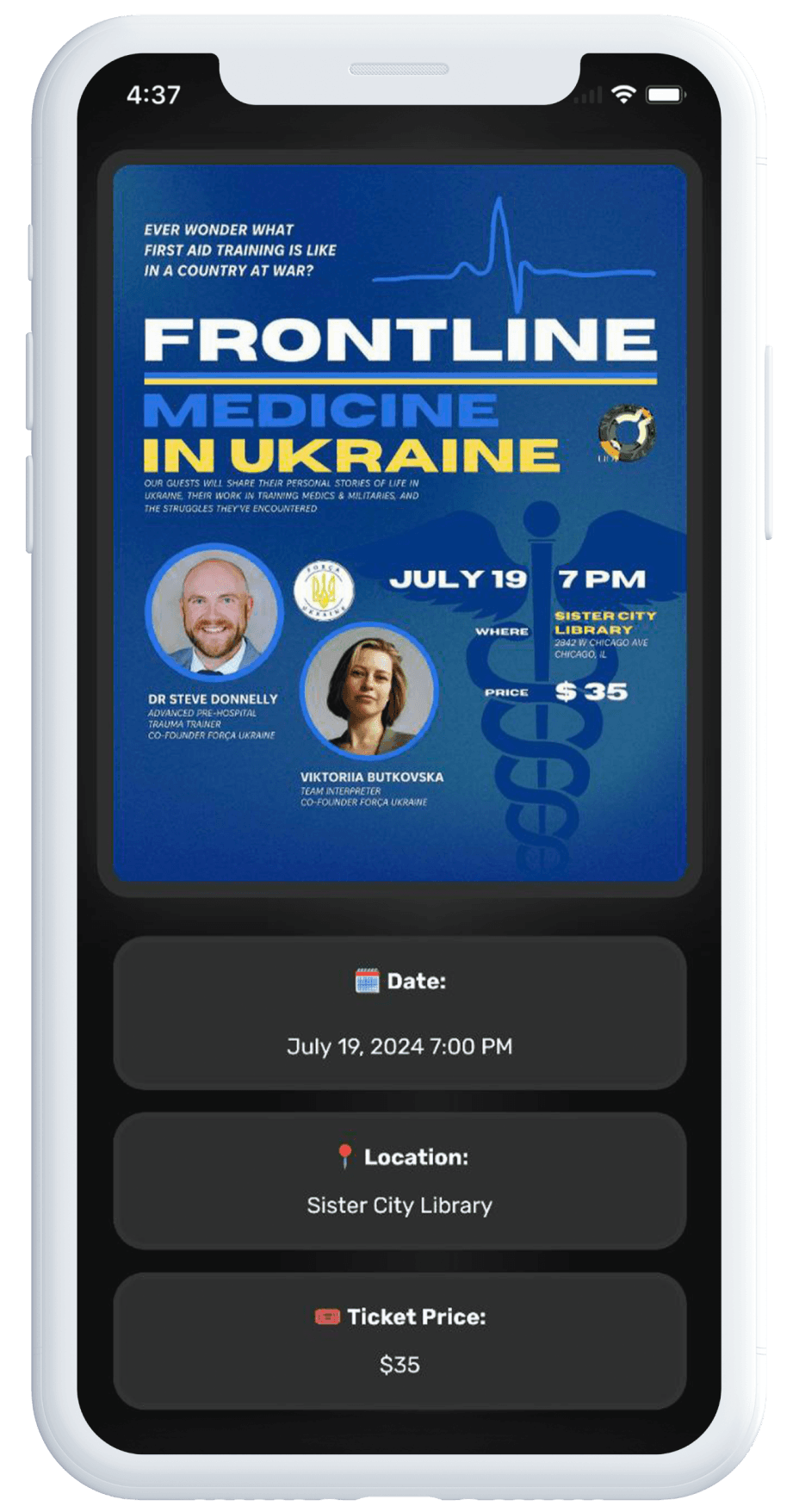
Event organizers submit through a form. Submissions land in the CMS as drafts with all data pre-filled. A volunteer reviews and clicks one button to publish.
This balances openness (anyone can submit) with quality control (team reviews before publishing) while minimizing volunteer effort.
Event organizers submit through a form. Submissions land in the CMS as drafts with all data pre-filled. A volunteer reviews and clicks one button to publish.
This balances openness (anyone can submit) with quality control (team reviews before publishing) while minimizing volunteer effort.
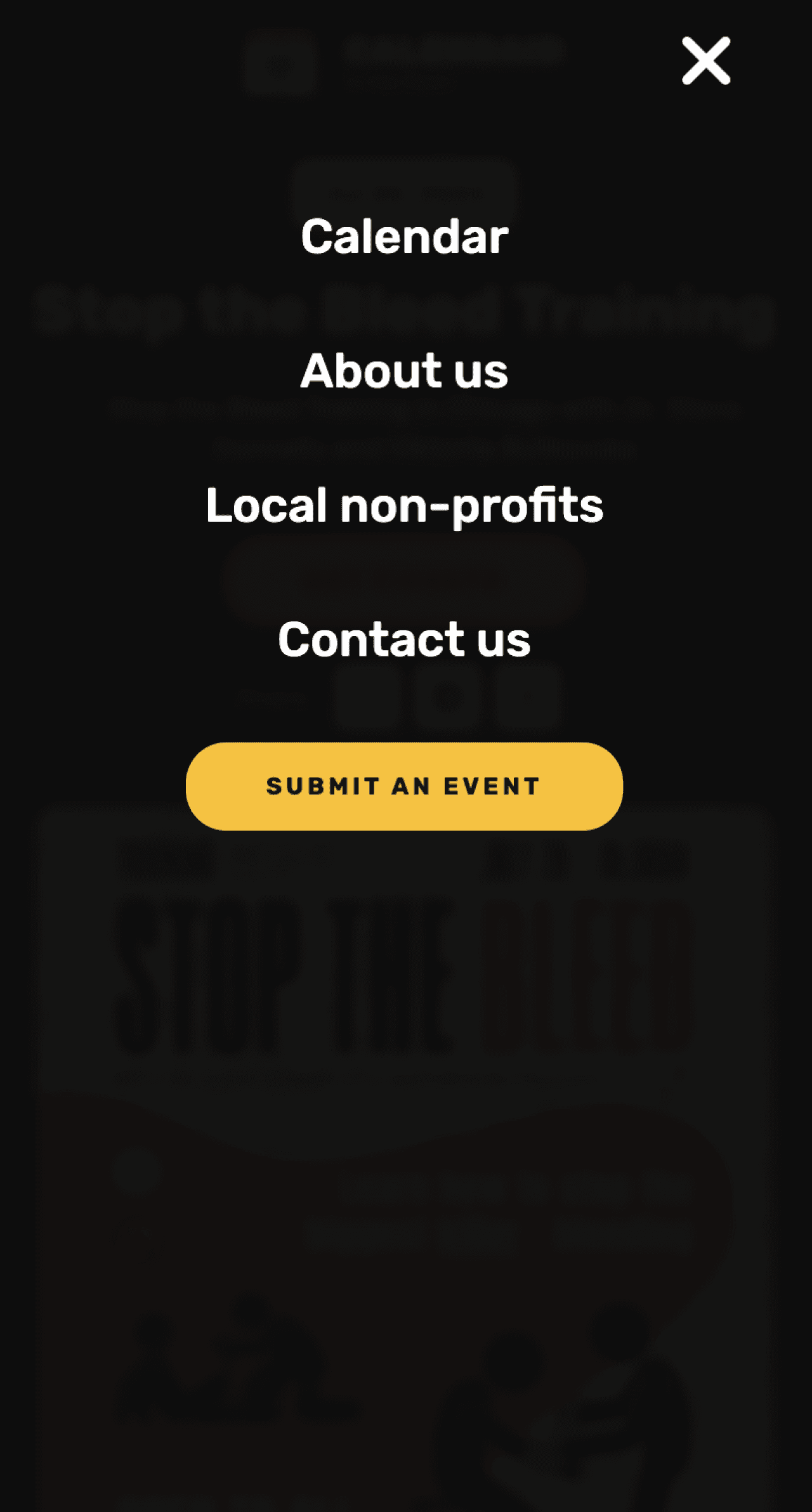
Submit Button Placement
Submit Button Placement
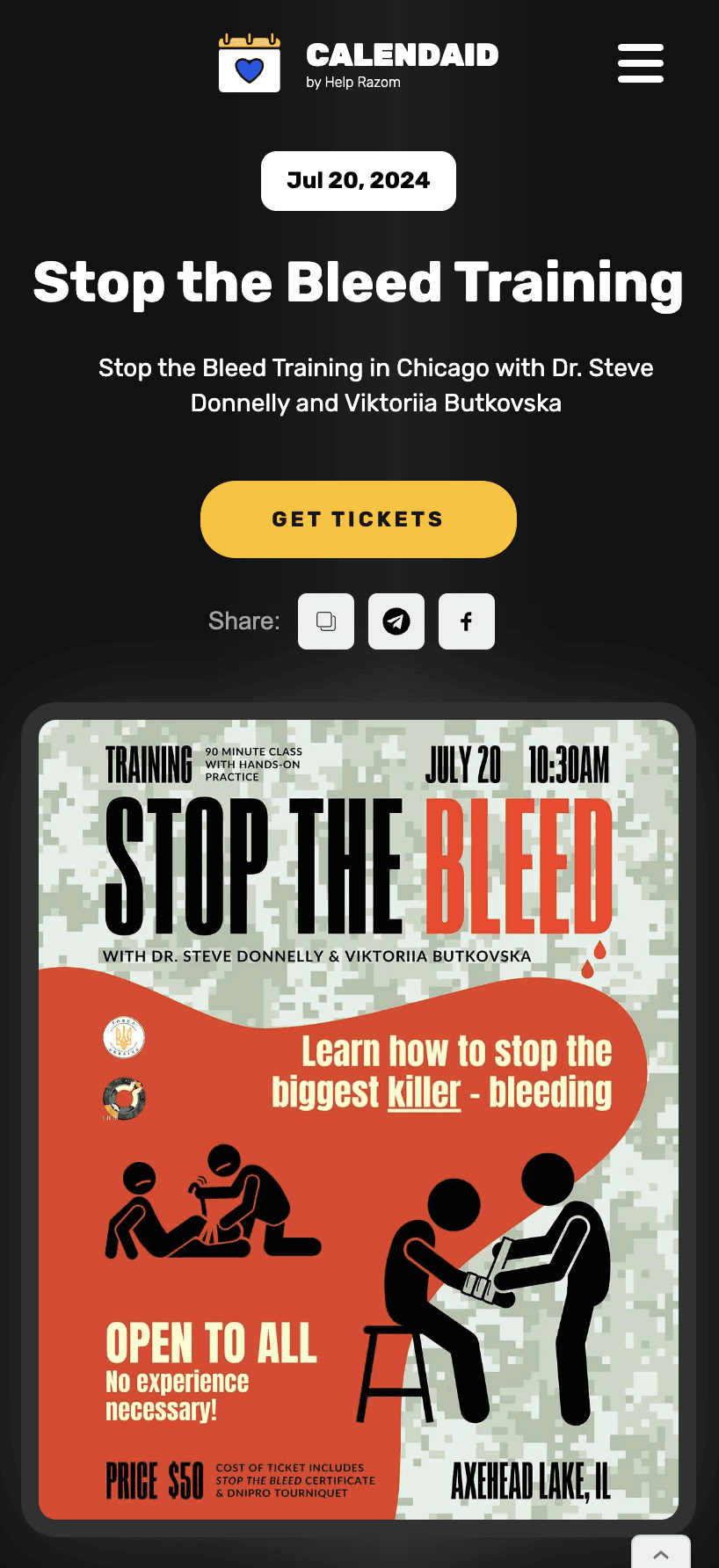
The original submit button sat in the bottom-right corner and was getting overlooked. I moved it into the hero section and made it visually prominent. Submissions increased after the change.
The original submit button sat in the bottom-right corner and was getting overlooked. I moved it into the hero section and made it visually prominent. Submissions increased after the change.
Post-launch Iteration
Post-launch Iteration
Post-launch Iteration
I connected Google Analytics and used usage data to refine the design after launch.
I connected Google Analytics and used usage data to refine the design after launch.
Multi-day event surfacing
Multi-day event surfacing
Events that spanned several days or weeks were getting buried after their start date passed. Users couldn't easily find ongoing events. I redesigned how multi-day events are displayed so they stay surfaced for their full duration.
Events that spanned several days or weeks were getting buried after their start date passed. Users couldn't easily find ongoing events. I redesigned how multi-day events are displayed so they stay surfaced for their full duration.
Share functionality
Share functionality
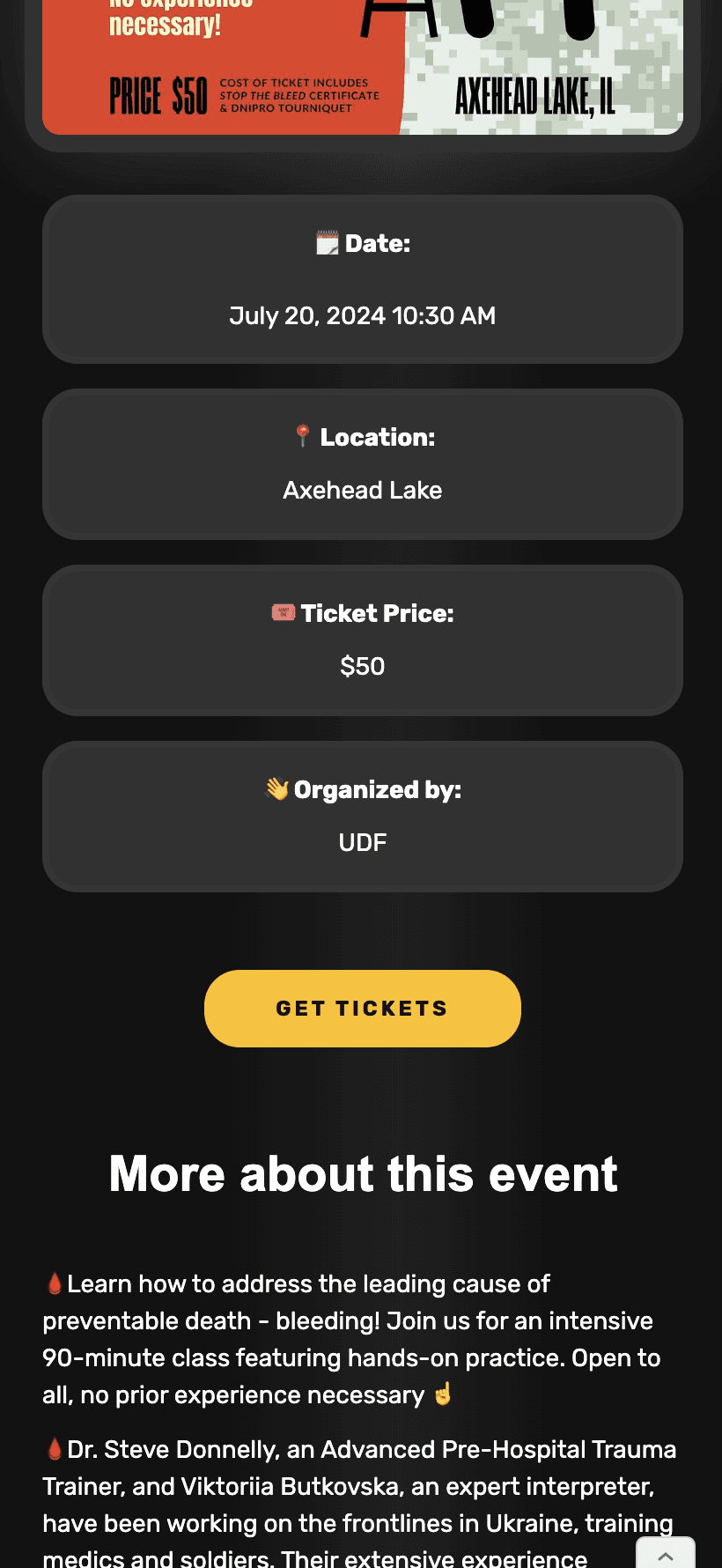
Users directly suggested a quick-share option on event pages — they were already copying URLs manually to send to friends. I added share buttons based on that feedback.
Users directly suggested a quick-share option on event pages — they were already copying URLs manually to send to friends. I added share buttons based on that feedback.
Seeding to organic growth
Seeding to organic growth
Initially, the team submitted events manually. Over time, event organizers started submitting on their own through the form. The platform now runs on organic submissions without team effort to source content.
Initially, the team submitted events manually. Over time, event organizers started submitting on their own through the form. The platform now runs on organic submissions without team effort to source content.
Results
Results
1000+
1000+
Events listed since launch
Events listed since launch
Organic submissions
Organic submissions
Event organizers proactively request listings
Event organizers proactively request listings
Volunteer-maintained
Volunteer-maintained
No designer needed since launch
No designer needed since launch
Google indexed
Google indexed
Users find the platform through search
Users find the platform through search
Reflection
What worked
Choosing the right tool for the operators, not for myself. Webflow wasn't my preferred platform, but it was the right one for a volunteer-run product. The platform still works three years later precisely because I optimized for independence over craft preference.
The competitive research also saved time — confirming that nothing suitable existed meant I could commit to building rather than debating whether to adopt an existing tool.
What I'd do differently
Build email notifications earlier. Users asked for a weekly "events near you" digest. That would've driven return visits and made the platform stickier. I deprioritized it because the submission workflow felt more urgent, but in hindsight, discovery and retention deserved equal weight.
Other projects
Other projects
Other projects
B2C
UX/UI Design
Creative Direction
Strategy
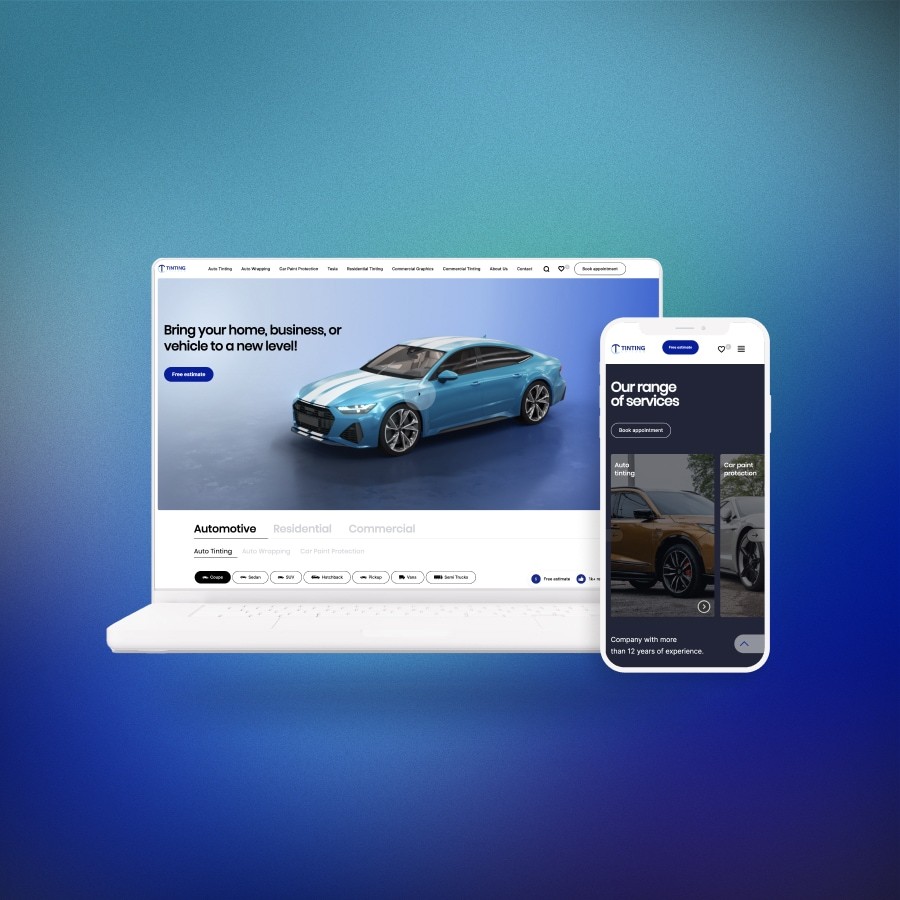
Turned a high-ranking site into a high-converting one. Rebuilt the information architecture, redesigned user flows, and directed all new visuals. Increased conversion by 54%, cut bounce rate by 31%, and kept top Google rankings.
Product Design
Development
Nonprofit
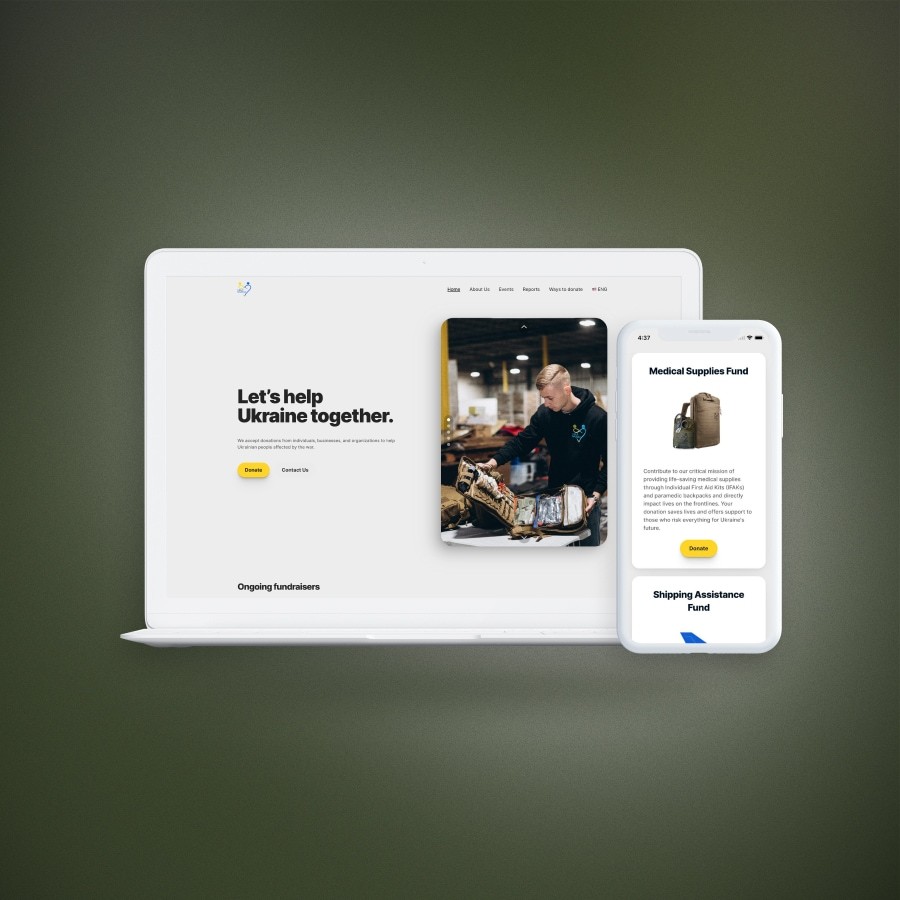
Designed and built a donation platform in 4 weeks during active crisis response — $500K+ processed, 4-year donor retention.
